
Plusling product
How Plusling works
See how Plusling works for your family: short 11+ practice for your child, an explanation after every answer, and a parent view of completed work and topics worth revisiting.
Plusling gives your child short, friendly 11+ practice with an explanation after every answer, and gives you a clear view of what they’ve done and what’s worth another look.
See how it works
From one question to your next step.
Walk through a Plusling practice session at your own pace. There's nothing to sign up for and no questions to answer — just look around.
- 01
One question at a time
Your child answers short sets of original 11+ questions in English, Maths, Verbal Reasoning or Non-verbal Reasoning.
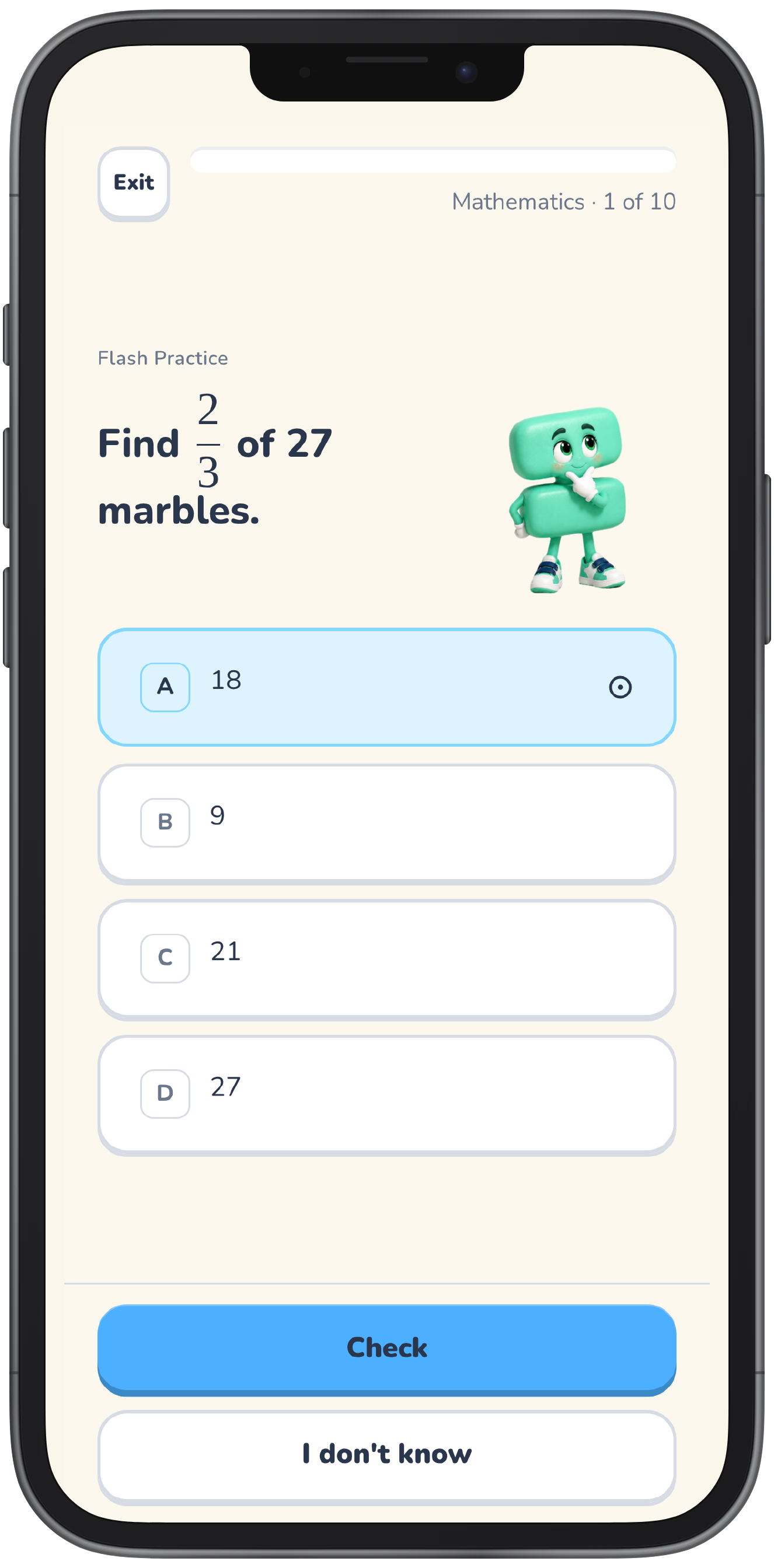
Example question — illustration.
- 02
An explanation after every answer
Right or not quite yet, each answer comes with a step-by-step explanation of the method.
Reveal the explanation
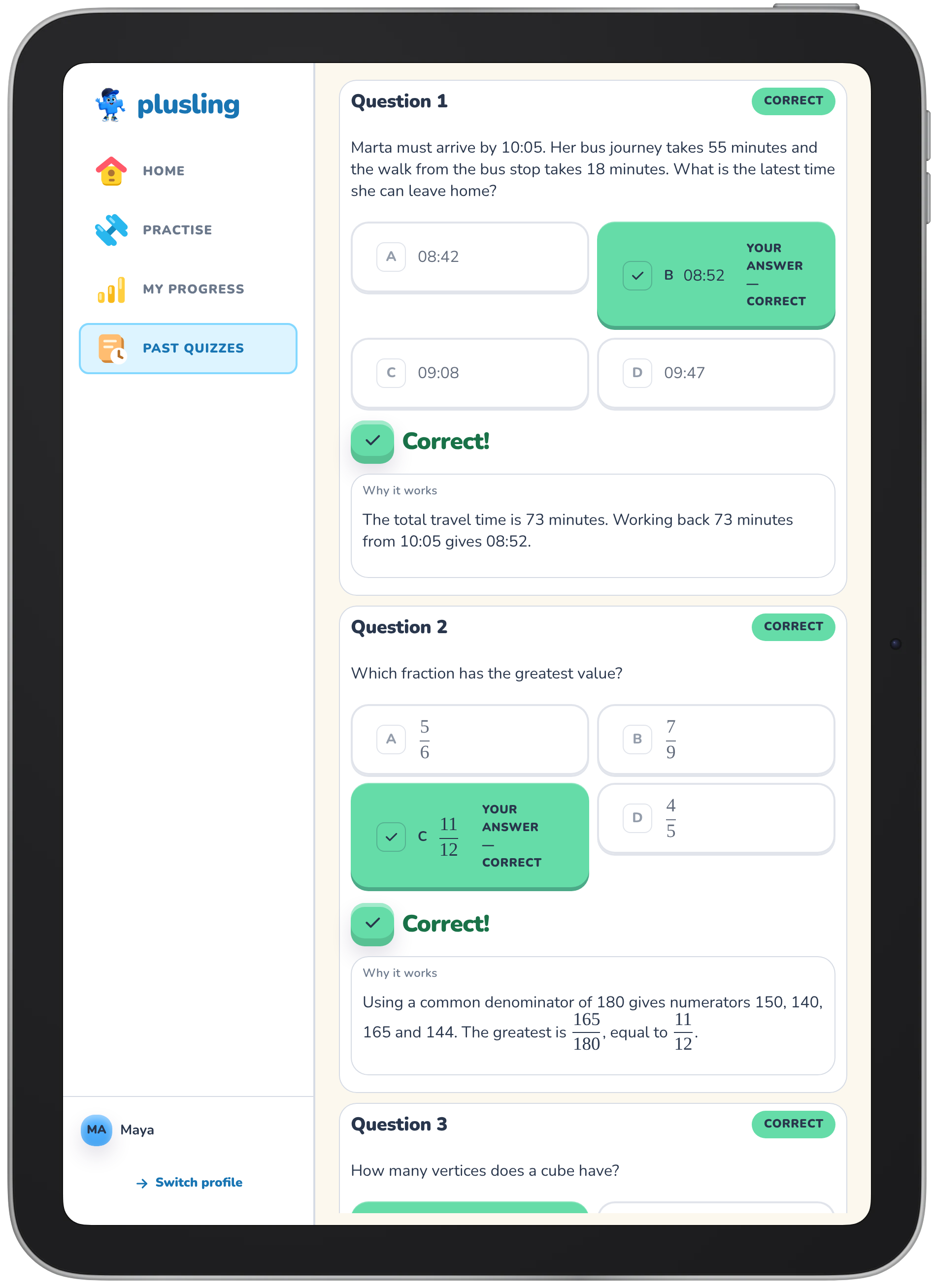
Example explanation — illustration.
- 03
Completed work you can look back on
From the parent zone you can see what your child has finished and how each session went.
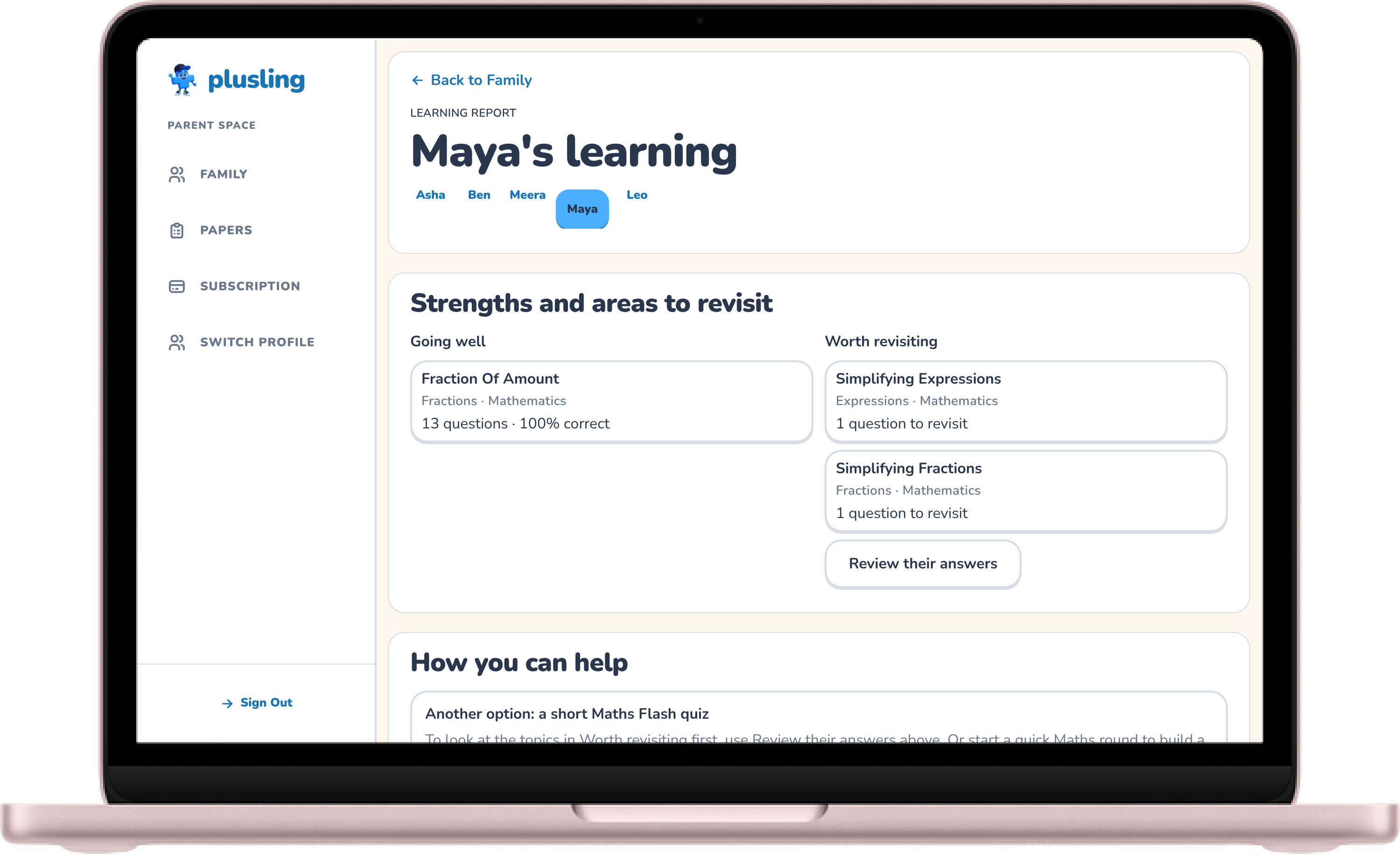
Example parent view — illustration.
- 04
Topics worth another look
Questions to revisit sit alongside recent practice, so you can see where a little more time would help.
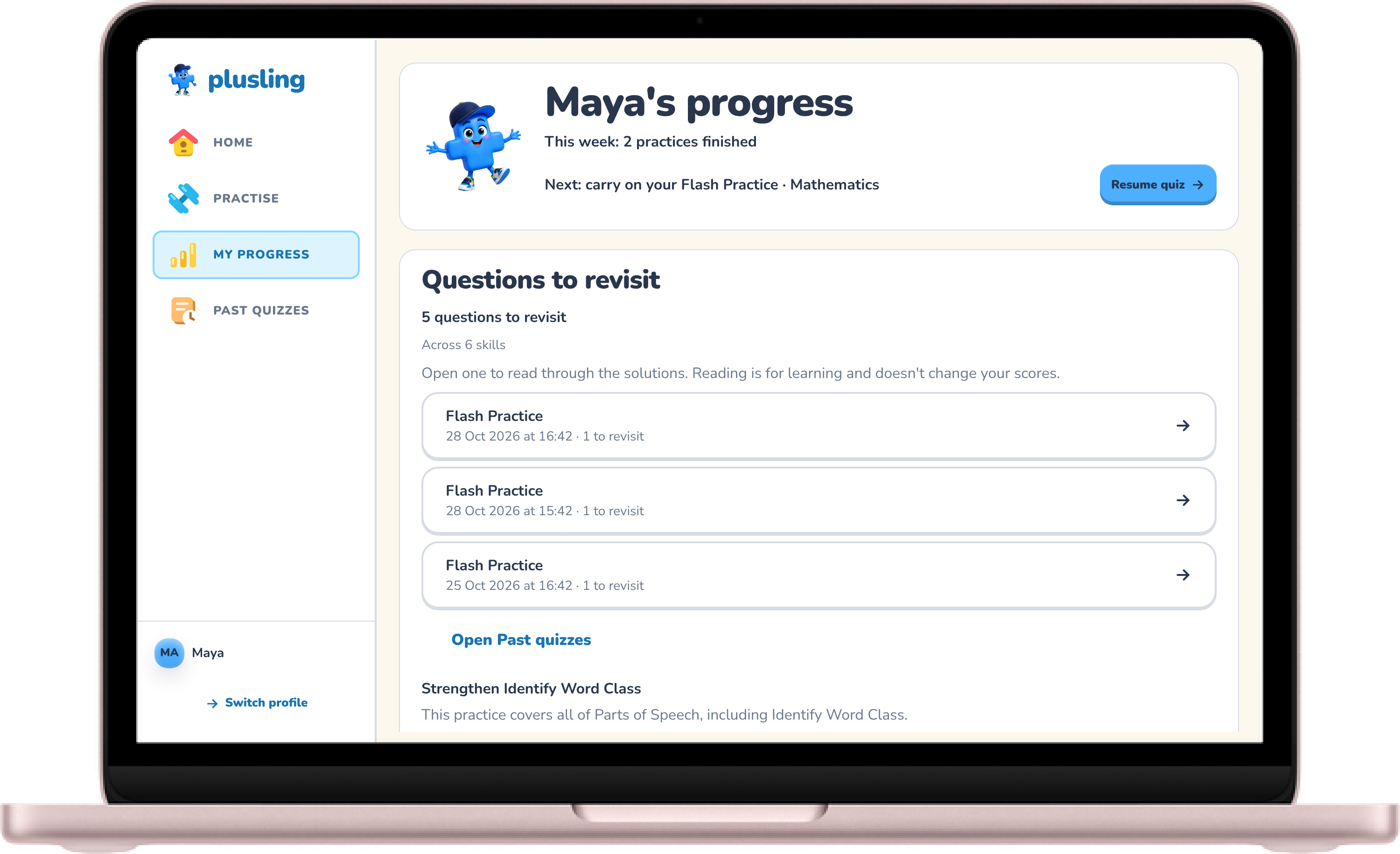
Example progress — illustration.
- 05
A practical next step for you
Try five questions together, print a matching paper, or plan a few short sessions around your week.


Screens show an example learner's account. Names, scores and progress are illustrations, not real results.
What your child does
Your child works through short sessions across the four 11+ subjects — English, Maths, Verbal Reasoning, and Non-Verbal Reasoning — one question at a time, with friendly subject companions alongside them.
Flash Practice gives ten questions in one subject, mixing fresh questions with revisits so tricky material gets another turn. Focus Practice lets you choose specific topics within a subject for a short quiz of eight to ten questions, and Survival adds a timed answer-streak challenge. Corrections and explanations follow every answer in all three modes.
Full Mock brings Plusling-created subject sections together in one timed sitting, with feedback at the end so your child can practise working to a clock. Use official familiarisation materials to recognise general instructions, layouts, and answer methods; check the current test guidance and the latest information from the responsible school or authority for the format and timings your child will actually meet.
What you see
The parent zone shows your child’s completed work, results, and questions to revisit across their subjects and topics. You manage each child’s profile from one family account, so siblings keep their own practice and results separate while you stay in charge of access.
Completed sessions and topic summaries make it easy to see where your child is comfortable and which areas are worth another look before the next session.
Using Plusling alongside teaching
Plusling is a practice and feedback companion that fits alongside a tutor, a school’s preparation, or home support with books and study materials. You bring the teaching that suits your child; Plusling helps you see where to direct it.
Progress describes work completed in Plusling. It focuses on original practice questions, clear explanations, and completed history — it doesn’t teach a full course, certify that every syllabus gap is closed, or predict a school place.
Choosing the next step together
Sometimes an explanation is enough to make a method click. Sometimes a question points to an idea worth talking through with a parent or tutor before returning to Focus Practice for another go.
As strengths develop, you can shift attention to new topics while still revisiting earlier learning. Suggested practice stays optional: skipping a mock never locks anything or counts against your child.
Free during the alpha
Full Plusling access is free during the alpha, with no card needed, no usage quotas, and no paid-only practice modes. Open Plusling in your browser on a phone, iPad, or laptop, and create a free family account with your mobile number when you want to save results and carry on practising. See current access and pricing for full details.